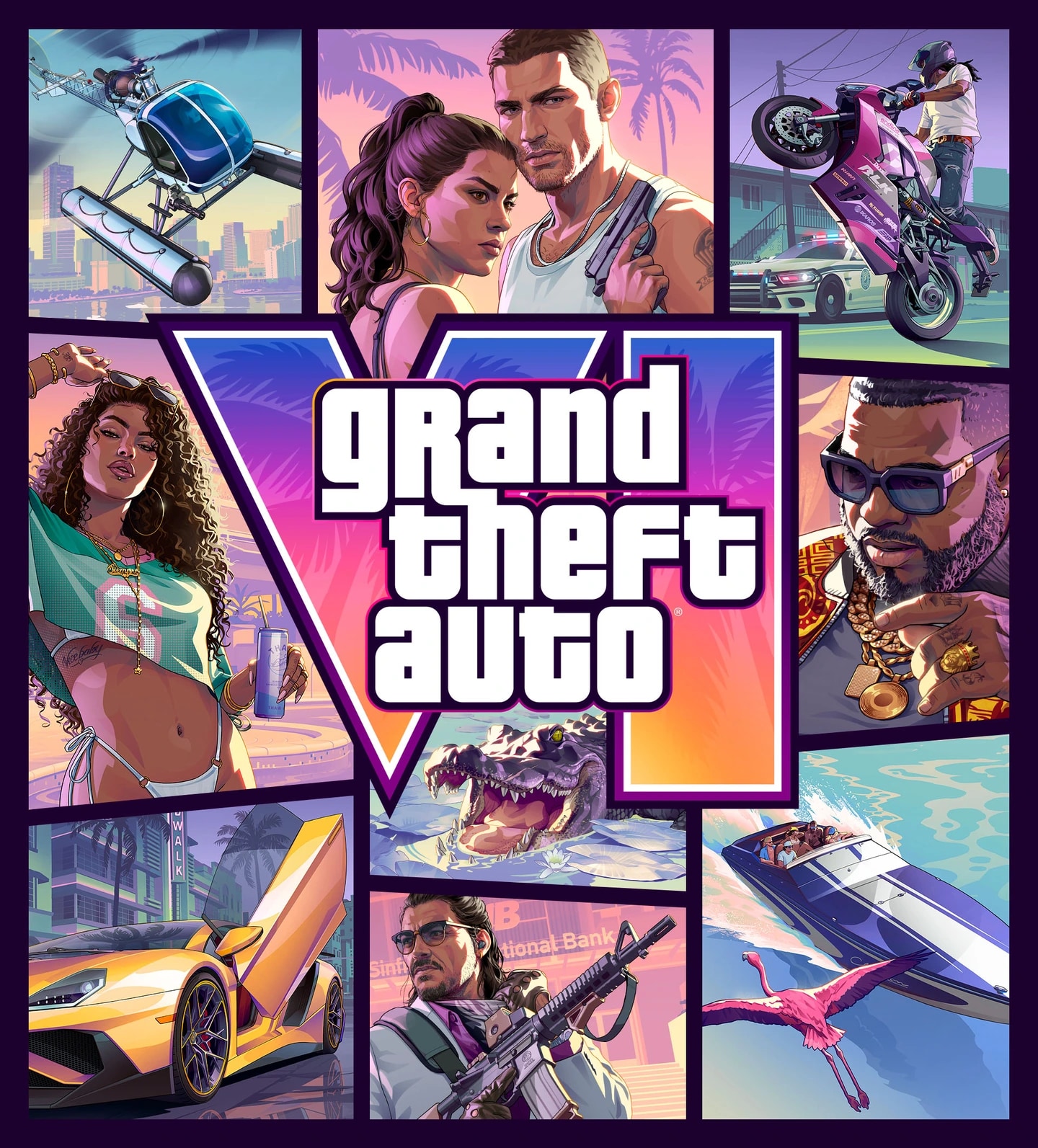

Watch
Launch Trailer

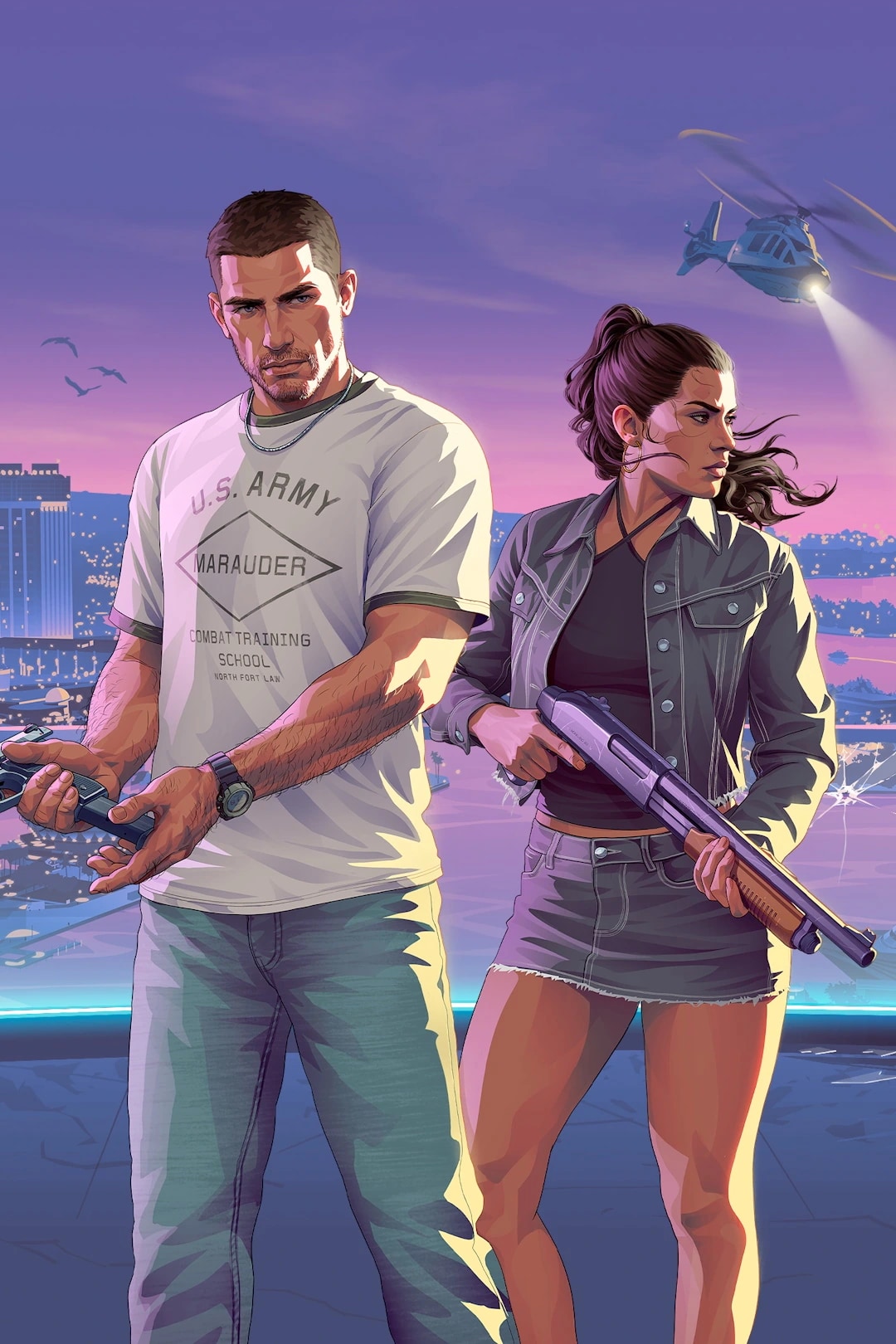
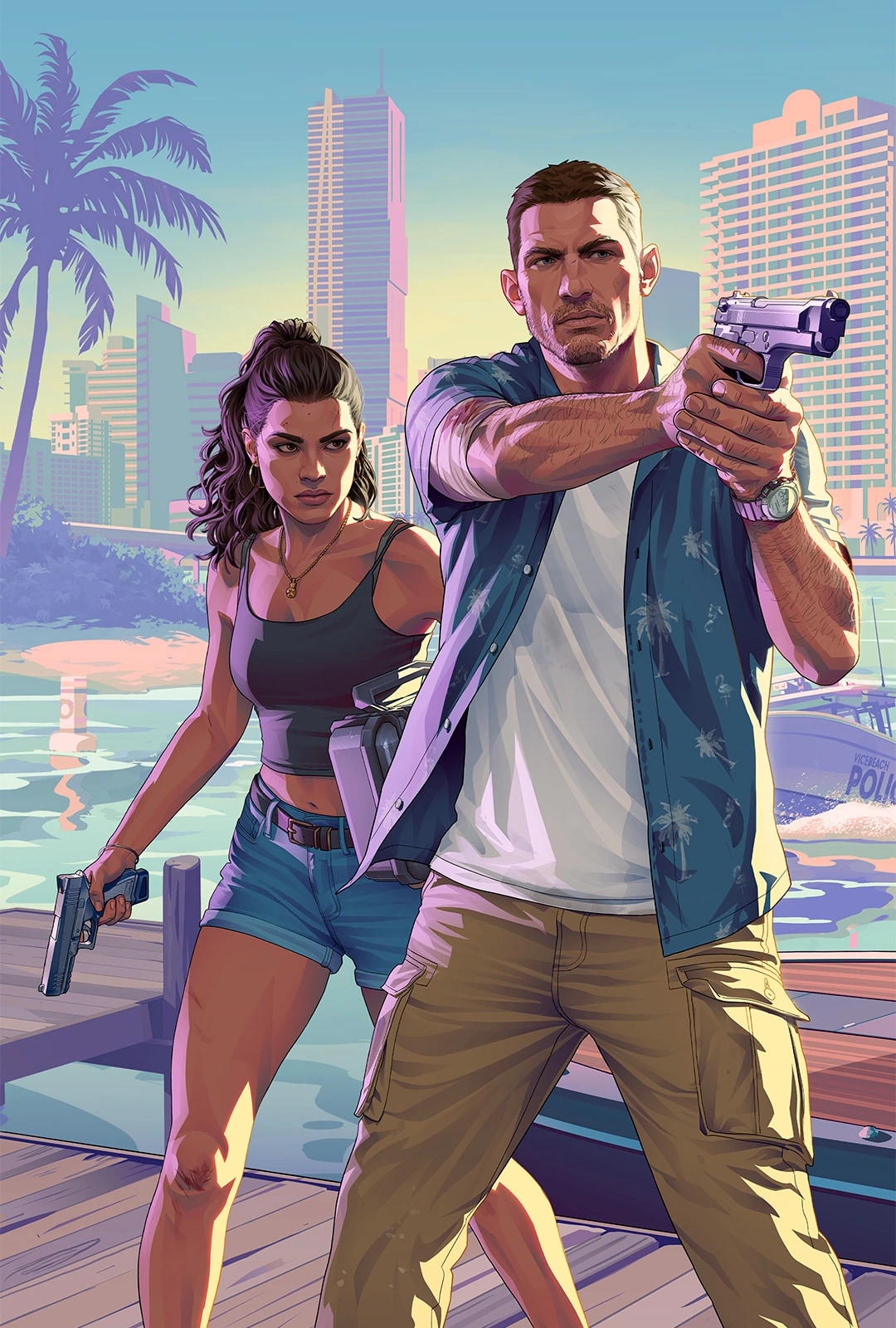
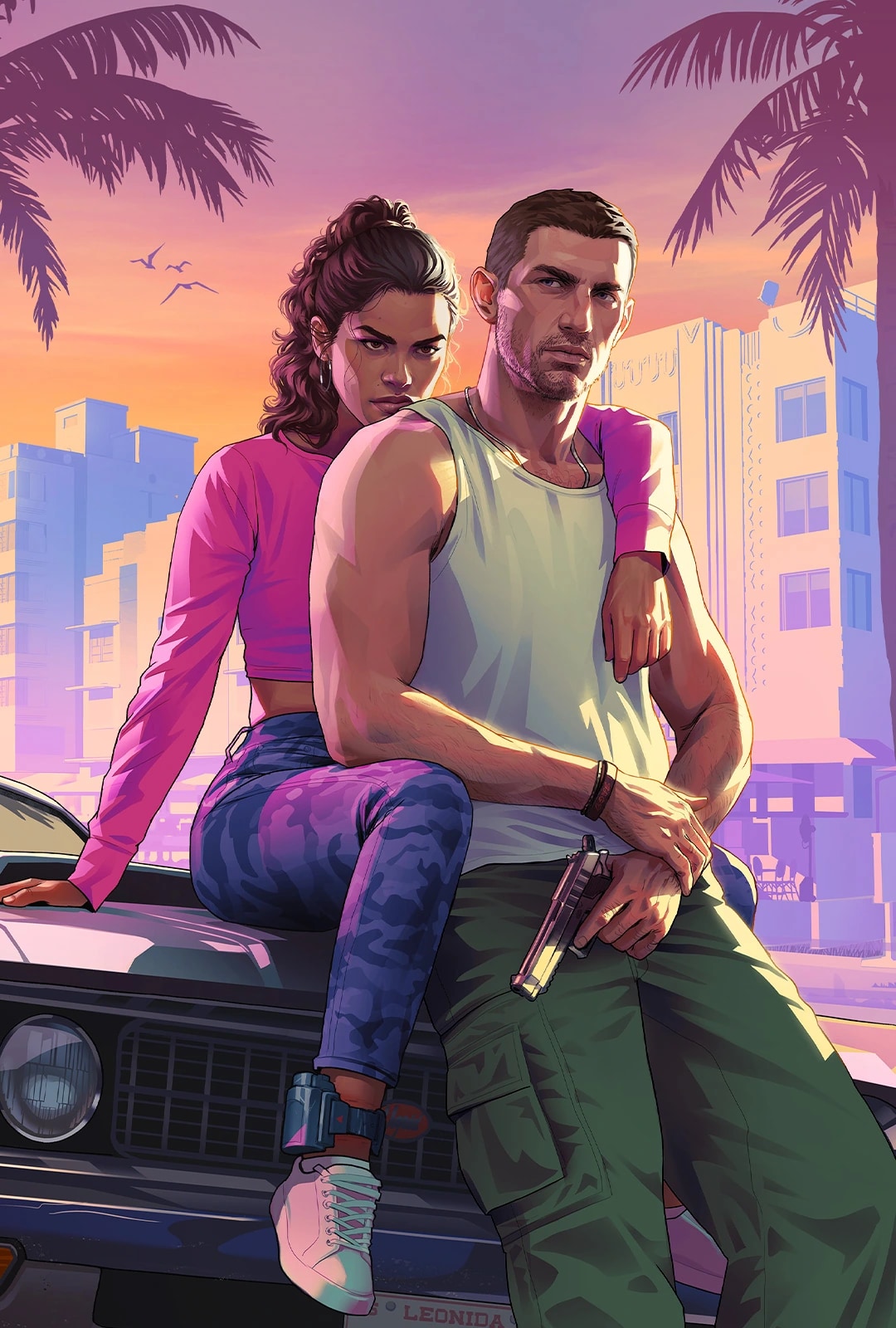


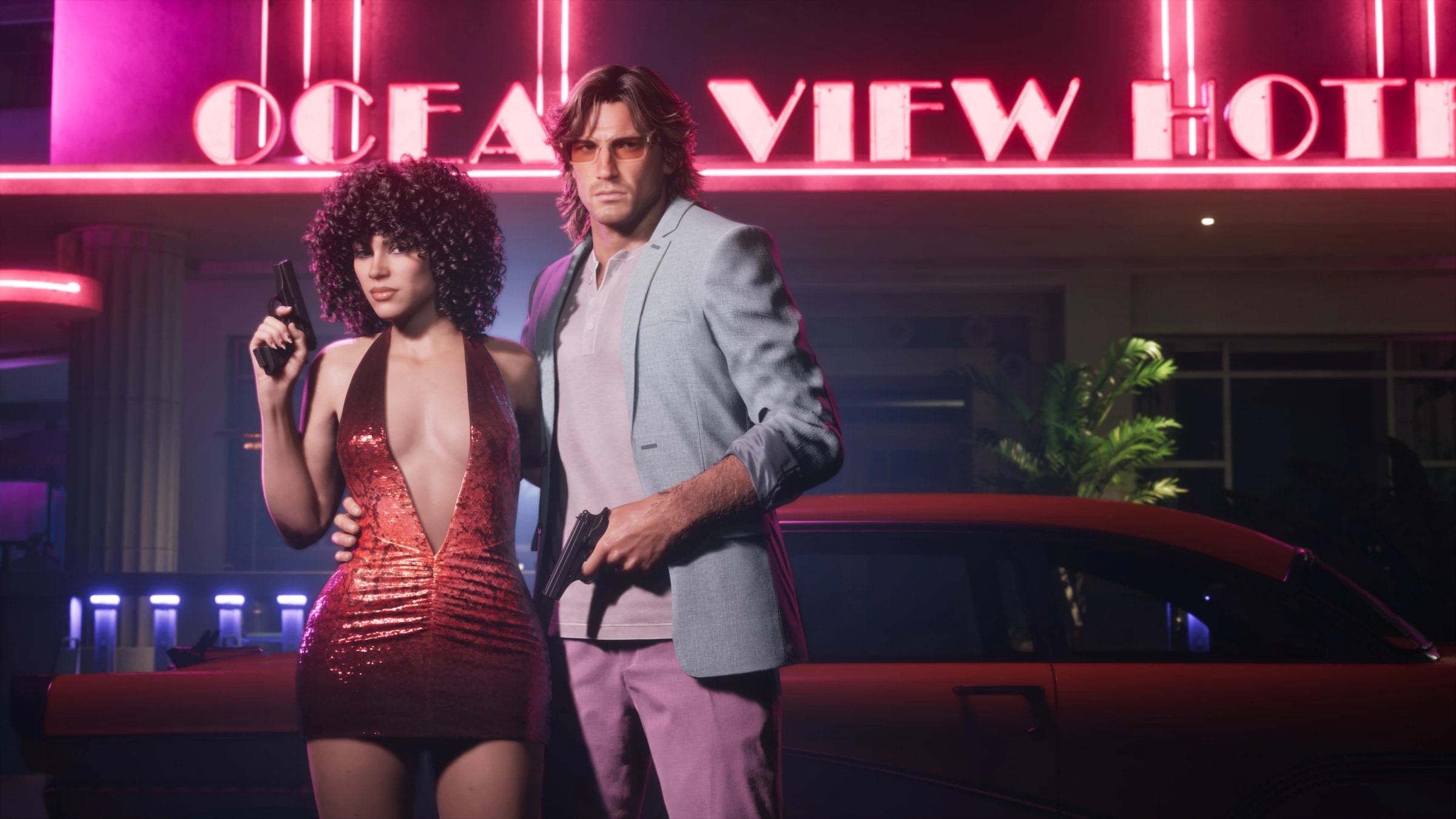

Vice City, USA.
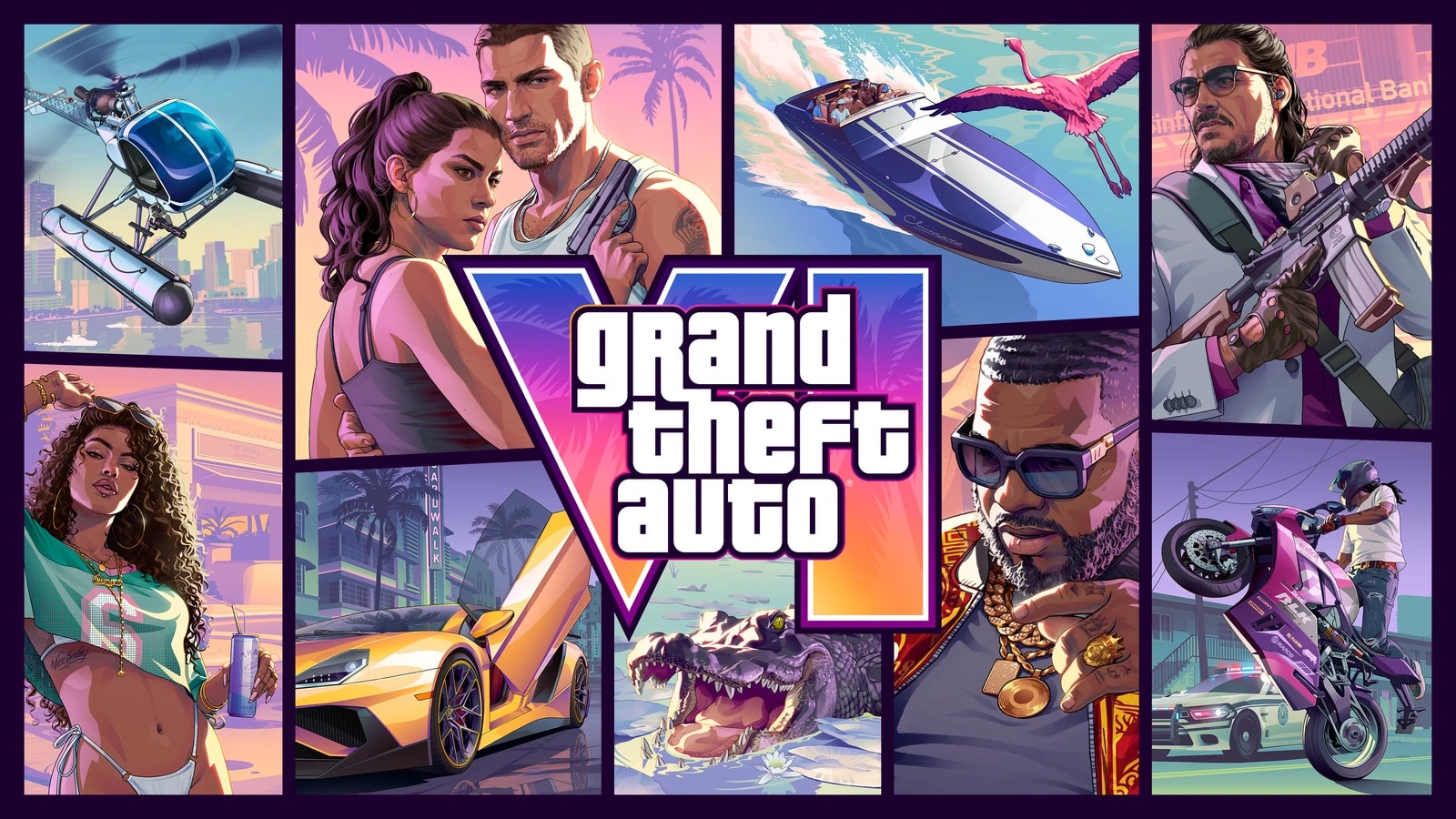
Jason and Lucia have always known the deck is stacked against them. But when an easy score goes wrong, they find themselves on the darkest side of the sunniest place in America, in the middle of a criminal conspiracy stretching across the state of Leonida — forced to rely on each other more than ever if they want to make it out alive.

In-Game Radio, Soundtrack, and Score
Listen to the official score, soundtrack and a selection of Leonida’s radio stations.
Explore More
The Launch Gallery
Explore Vice City and locations across Leonida in a new collection of official screenshots.
View All
Media & Artwork
Browse videos, screenshots, cover art and wallpapers from Rockstar.
See All
Only in Leonida
Meet the people and explore the places that define Leonida.
Explore More

Members on console get optional benefits for Jason and Lucia.
Explore BenefitsShop
View All

Featured News
View all
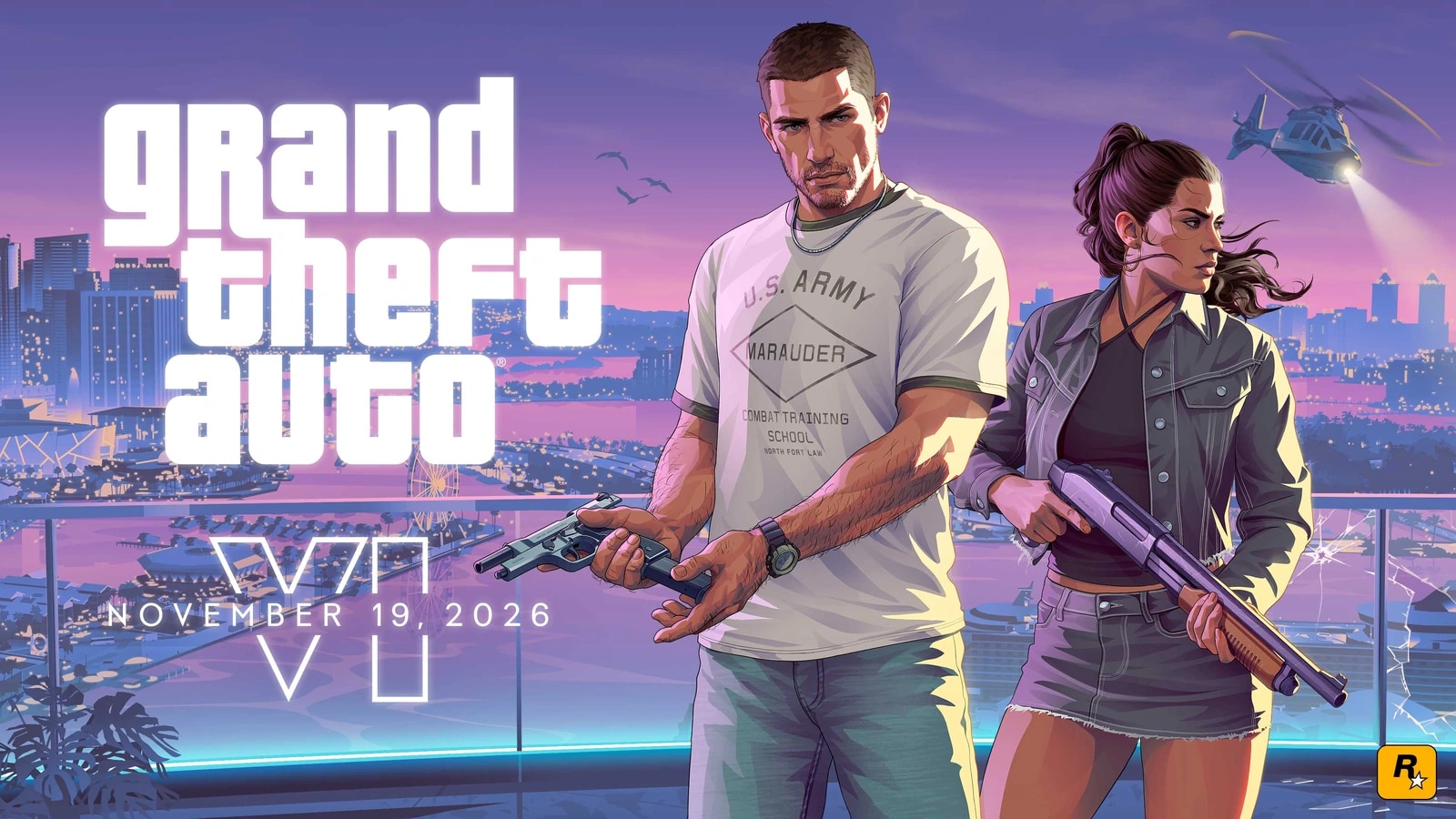
GTA VI for Windows
Download status and system requirements.
Last checked
Official Rockstar release informationPC system requirements
- Architecture
- 64-bit processor and operating system required
- Operating system
- Windows 11
Windows 10 is unsupported. - Processor
- AMD Ryzen 5 3600 / Intel Core i5-10400
- Memory
- 32 GB RAM
- Graphics
- 16 GB VRAM, DirectX 12
- SSD storage
- 209 GB
- Additional
- Gamepad required
Is a download available?
Downloading is currently unavailable on this site.
Which platforms does Rockstar list?
Rockstar’s official release announcement lists PlayStation 5 and Xbox Series X|S.